Attack Analysis
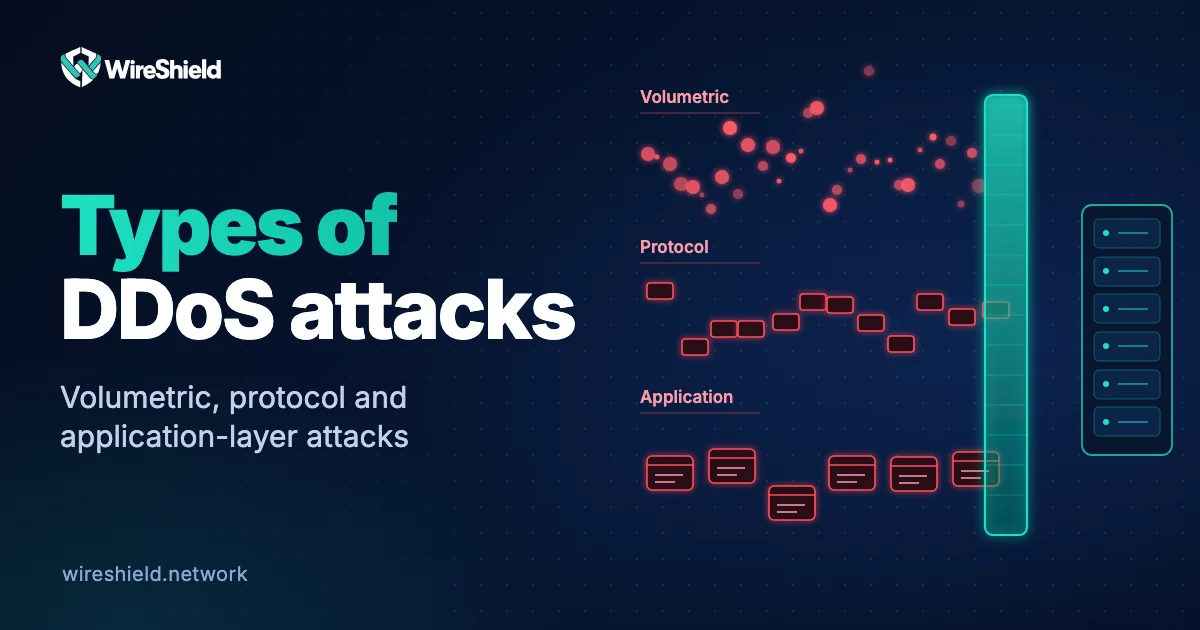
Types of DDoS attacks: volumetric, protocol and application-layer
 WireShield Team · 6 min read
Read post


Attack Analysis
Web cache deception tricks a cache into storing a private page as if it were public. Learn how the attack works, a real example and how to protect your site.
WireShield Team
6 min read
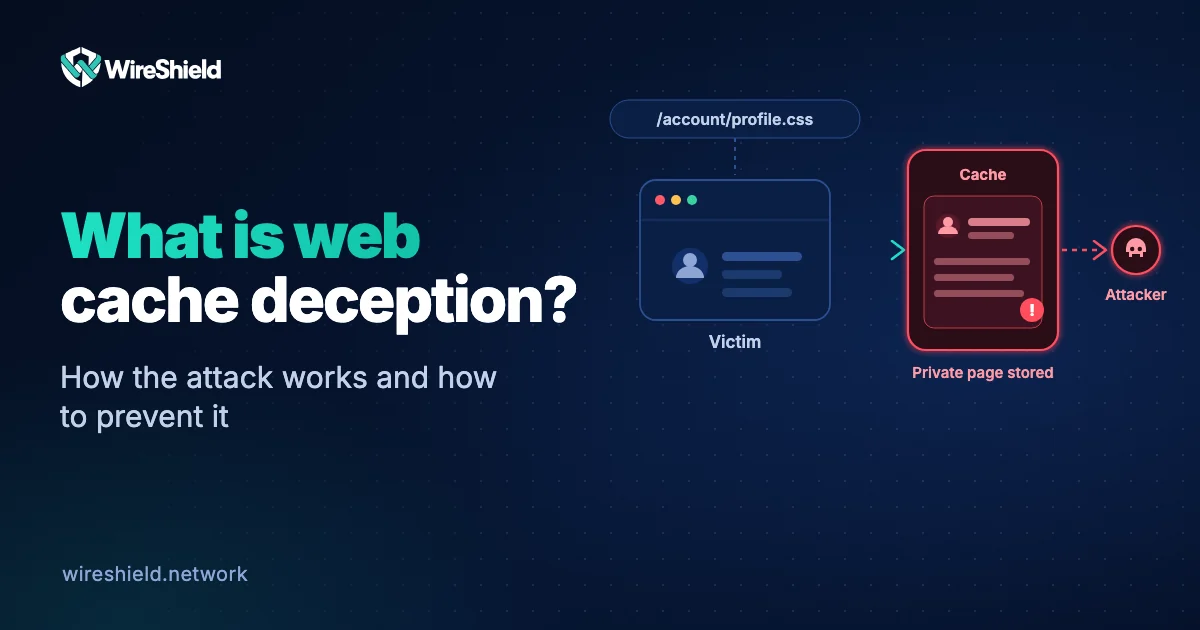
Web cache deception is an attack that tricks a cache into storing a user's private page as if it were public. The attacker prepares a special address for the victim to open while logged in; the cache takes the response for a static file and stores it, and the attacker then requests the same address and reads the victim's account details from the cache. The security research organisation PortSwigger describes it as a vulnerability that arises from differences in how the cache and the origin server handle requests, making the cache store sensitive, dynamic content. This guide explains what web cache deception is, how it works and how to prevent it.
A cache is a layer that serves frequently requested files quickly without going back to the origin server. CDNs and web application firewalls (WAFs) often do this by looking at the file extension: addresses ending in .css, .js or .jpg count as "static files" and are stored.
The core of the attack is this: if a private page (for example your profile page) also opens when a made-up static extension is added to its address, the cache takes that response for a static file as well and stores it. What gets stored is the private page the victim saw with their own session.
/account/profile. They check that the server returns the same page even with a made-up path part added: /account/profile/theme.css..css, the cache takes it for a static file and stores the response publicly.The attacker does not need the victim's password or session; getting the victim to open the right address once is enough.
The attack works when three conditions come together:
/account/profile/theme.css as /account/profile; the cache reads the address as a file.no-store or private, a cache rule overrides it.| Web cache deception | Web cache poisoning | |
|---|---|---|
| What the attacker does | Gets the victim's private content stored in the cache | Gets malicious content stored in the cache |
| Who is harmed | The victim whose content is cached | All visitors who receive the cached content |
| What the attacker gains | Reads the victim's private data | Serves harmful content to visitors |
| Weakness behind it | Cache and server read the path differently | Manipulation of the cache key |
The attack type was brought to public attention by the security researcher Omer Gil. Gil reported the issue to PayPal in February 2017 and, on July 26, 2017, presented it at Black Hat USA in a talk and white paper titled "Web Cache Deception Attack". The talk showed that the attack could let an unauthenticated attacker reach sensitive information of logged-in users. After the report, the affected services fixed the issue.
Only on your own site and with permission, run this check:
/account/profile/test.css.X-Cache, Age or your CDN's own cache-status header. In the WireShield cache this is ws-cache-status.On the server:
Cache-Control: no-store and private to sensitive responses. Private pages must not be stored in any shared cache./account/profile/theme.css should return an error, not the profile page.In the cache and CDN:
Cache-Control header.With WireShield: The Web Protection cache includes Cache Deception Armor, on by default. It applies to both the cloud and on-premise options and to every plan, and you can turn it off if you need to. The cache also only stores GET and HEAD requests, and it is not used when the origin server returns no-store or private, when the response sets a cookie (Set-Cookie) or when the request carries an Authorization header. All cache features are on the Web Protection page.
If caching and protection are done in the same layer, yes: when the cache is set up to store only responses that really are static, the attack does not work. So check whether your WAF's cache has a deception protection.
Yes, the victim has to be logged in to the target site for the attack to work. But any site with logged-in visitors is at risk.
Even if your own server has no cache, there may be a CDN or WAF cache in front of it. Check the cache settings of your hosting provider, CDN and WAF.
Whatever is on the cached page: name, e-mail, phone, address, part of payment details, sometimes session or CSRF tokens.
It is an extra layer. Adding no-store/private to sensitive pages and returning 404 for unknown paths also fixes the source; use both together.
Let us review the cache and protection settings of your web application together. You can look at the Web Protection page or talk to the technical team.
Attack Analysis
WireShield Team · 6 min read
Read post
Attack Analysis
WireShield Team · 4 min read
Read post
Contact our team to talk through your technical needs.