Attack Analysis
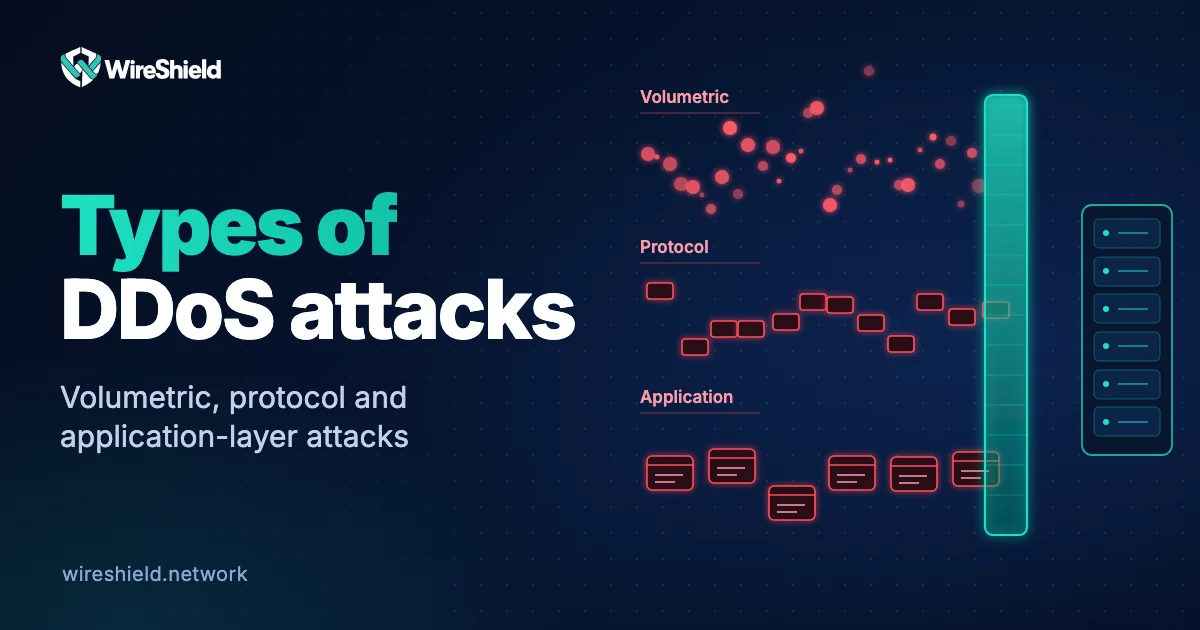
Types of DDoS attacks: volumetric, protocol and application-layer
 WireShield Team · 6 min read
Read post


Attack Analysis
A UDP flood often starts as a bandwidth climb and a few odd packet counters, so knowing which data to watch, and in what order, can speed up detection from minutes to seconds.
WireShield Team
7 min read
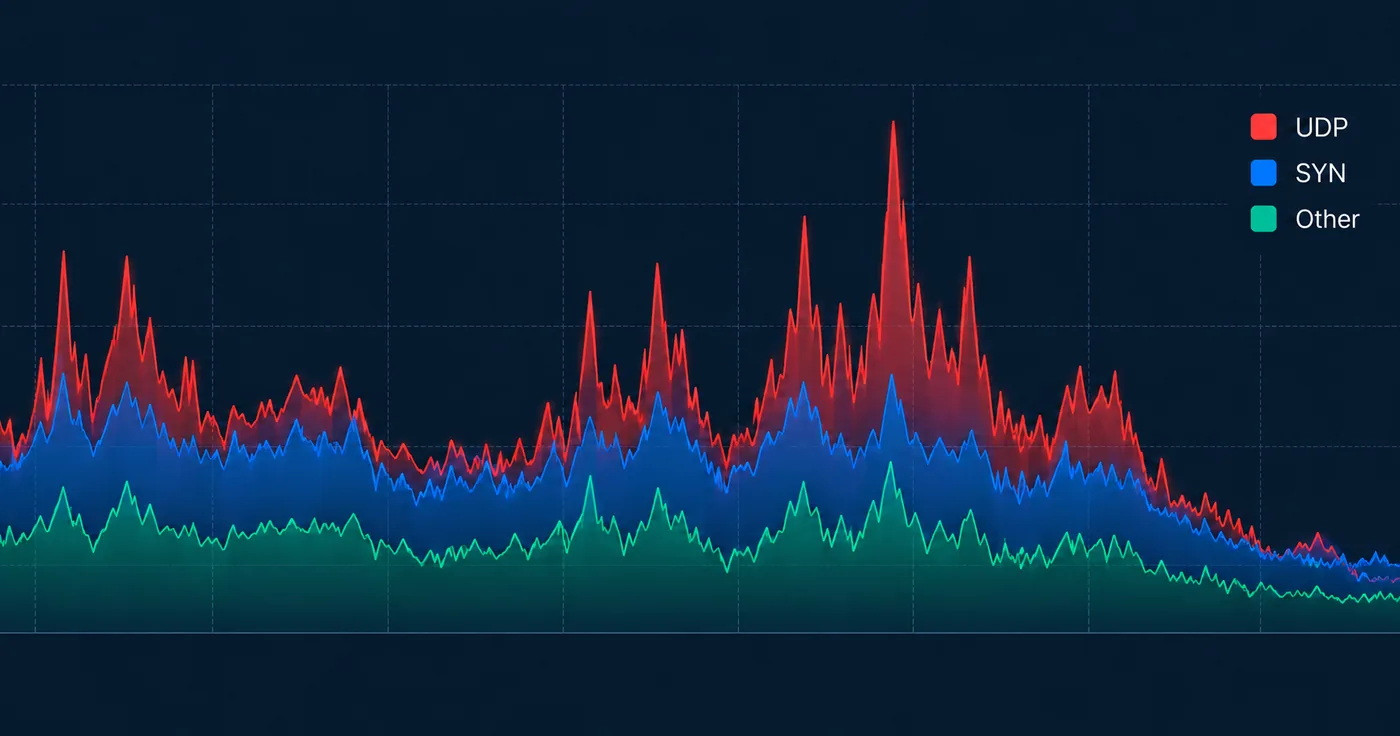
A UDP flood rarely announces itself with a clean outage. It starts as a bandwidth climb, a few odd packet counters, and a firewall whose state table suddenly looks busy. Knowing which data to watch, and in what order, decides whether you catch it in seconds or minutes.
A UDP flood is a volumetric attack that sends a high rate of UDP datagrams to a target, exhausting bandwidth, CPU or connection-tracking capacity. Because UDP is connectionless, there is no handshake to validate the sender, which makes the traffic cheap to generate and hard to filter naively.
The signals that matter most fall into a few groups. Track them continuously, not only during an incident, so you have a baseline to compare against.
Tip: Alert on pps and on the ratio of UDP to total traffic, not only on bps. A small-packet flood can cripple a router while the bandwidth graph still looks moderate.
UDP attacks differ mainly in how traffic reaches the victim and what it targets. Identifying the type from your telemetry tells you which mitigation to apply.
| Type | What you will see | Key data to check |
|---|---|---|
| Direct UDP flood | High pps to one or many ports | Destination port spread, source count |
| Reflection/amplification (DNS, NTP, memcached, etc.) | Large responses from legitimate servers you never queried | Source ports such as 53, 123, 11211; large packet sizes |
| Fragmented UDP | Many fragments, no L4 header in follow-up pieces | Fragment ratio, reassembly errors |
| Application-targeted UDP | Valid-looking packets to a game, VoIP or custom service port | Per-service request rate, payload patterns |
Reflection attacks deserve special attention. Your own servers did not ask for those responses, so inbound UDP from well-known service ports to hosts that do not run resolvers is a reliable red flag.
UDP spoofing means forging the source IP address of a datagram. Since no handshake confirms the sender, an attacker can claim any address, hiding their origin and, in reflection attacks, redirecting responses to the victim.
For defenders, spoofing changes how you read source data. A flood from thousands of "different" IPs may be one machine, and blocking sources one by one is futile. Look instead for indirect evidence:
At the network edge, ingress filtering such as BCP 38 (RFC 2827) reduces spoofed traffic, but you cannot rely on every upstream network to apply it. That is why behavior-based filtering matters more than source blocklists.
Prevention combines local hardening with upstream filtering. Local rules shrink your exposure, but a volumetric flood that saturates your link must be stopped before it reaches that link.
When attack volume exceeds your uplink, only filtering in front of the link helps. WireShield's filtering covers network- and transport-layer volumetric and protocol attacks, including UDP flood, SYN flood, DNS amplification and fragment attacks. HTTP/L7 and service-specific needs are scoped together during a technical assessment.
| Approach | Best for | Details |
|---|---|---|
| Remote DDoS protection | Hosting providers, agencies, businesses with distributed infrastructure | Traffic is filtered remotely before it reaches your network |
| WireShield Edge (on-site protection) | Enterprise networks and providers needing local inline filtering | Protection deployed at your own location |
A UDP flood test checks whether your monitoring, alerting and mitigation actually work under load. Done carelessly, it becomes an outage or a legal problem, so planning matters more than the tool.
Warning: Only test infrastructure you own or have written authorization to test. Notify your upstream provider first, since unannounced high-volume traffic can trigger their abuse systems or affect other customers.
A sensible test plan looks like this:
Keep in mind that a small lab test does not reproduce a large internet-scale attack. Its value lies in confirming that detection works and that your team knows the response procedure.
Check packets per second on the affected interface, then compare UDP share against your normal baseline. A sharp pps rise with unchanged business activity is the quickest indicator. Follow it with destination port distribution and device CPU to see whether the load is overwhelming forwarding or only consuming bandwidth.
Yes. Floods of tiny packets can exhaust router or firewall processing capacity while bandwidth stays modest. This is why packet rate and device load need alerts of their own, rather than relying on throughput graphs alone.
Reflection traffic arrives from legitimate service ports such as 53 or 123, usually with large responses to requests you never sent. Direct floods tend to target destination ports with uniform or random packets from spoofed or botnet sources.
Good UDP flood defense starts with a baseline: know your normal pps, port mix and source diversity, and every deviation becomes easier to read. If you want filtering in front of your network, review remote DDoS protection or WireShield Edge, and ask for a technical assessment to define the scope for your setup.
Attack Analysis
WireShield Team · 6 min read
Read post
Attack Analysis
WireShield Team · 6 min read
Read post
Attack Analysis
WireShield Team · 4 min read
Read post
Contact our team to talk through your technical needs.