Network Operations
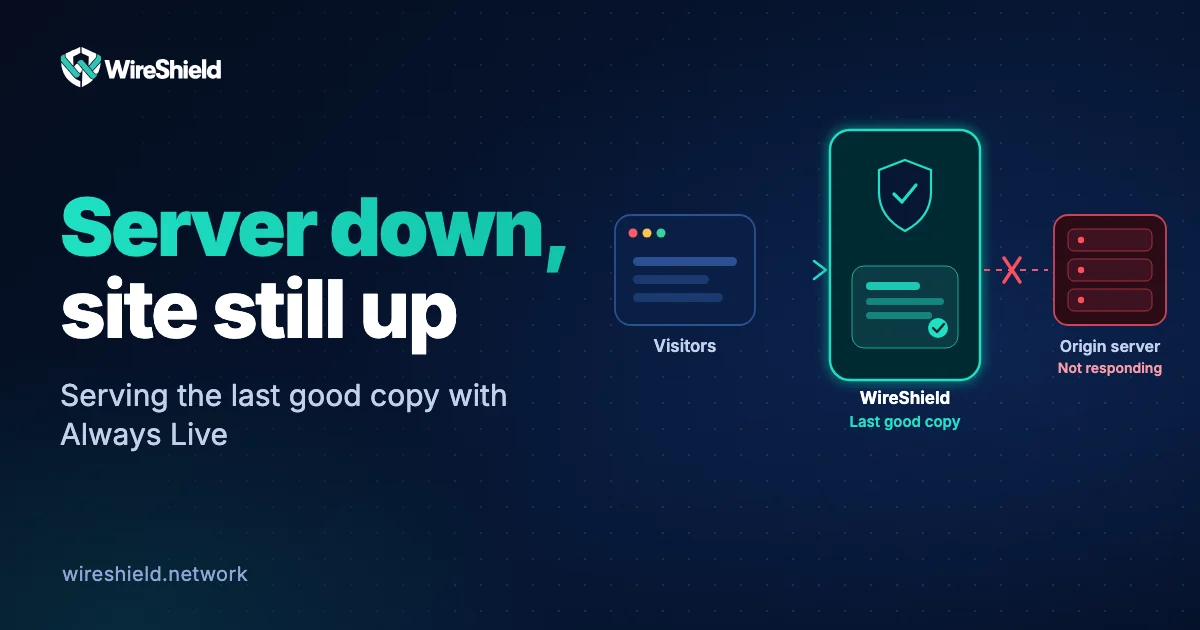
How to keep your site up when your server is down: serving stale content and Always Live
 WireShield Team · 6 min read
Read post


Network Operations
The tunnel is up and the BGP session is established, but some sites will not load or large downloads stall. Learn how to verify MTU and MSS settings in GRE tunnels step by step.
WireShield Team
4 min read
The tunnel is up and the BGP session is established, but some sites load slowly, some never load, or large downloads stall halfway. When small packets pass and large ones vanish, the culprit is usually MTU. GRE tunnels are one of the most common places to see it.
GRE wraps the original packet in a new IP and GRE header. Over IPv4 that means 24 bytes of overhead (20 bytes outer IP + 4 bytes GRE); if a GRE key is used, 4 more bytes are added. On a 1500-byte link the largest packet that fits through the tunnel is therefore 1476 bytes.
A larger packet meets one of two fates: it is fragmented along the way, or, if the don't-fragment (DF) bit is set, dropped. For a dropped packet the sender must receive an ICMP "fragmentation needed" message (on IPv6, "packet too big"). If a firewall filters that message, the sender never learns to shrink the packet. The result is a connection that is established but stalls during data transfer: an "MTU black hole".
| Tunnel type | Overhead | Usable MTU on a 1500-byte link |
|---|---|---|
| GRE / IPv4 | 24 bytes | 1476 |
| GRE (with key) / IPv4 | 28 bytes | 1472 |
| GRE / IPv6 | 44 bytes | 1456 |
Send pings of different sizes with the DF bit set. The size just below where replies stop is the largest payload you can use.
# Linux (1448 bytes payload + 28 bytes header = 1476)
ping -M do -s 1448 <target-address>

# Windows
ping -f -l 1448 <target-address>
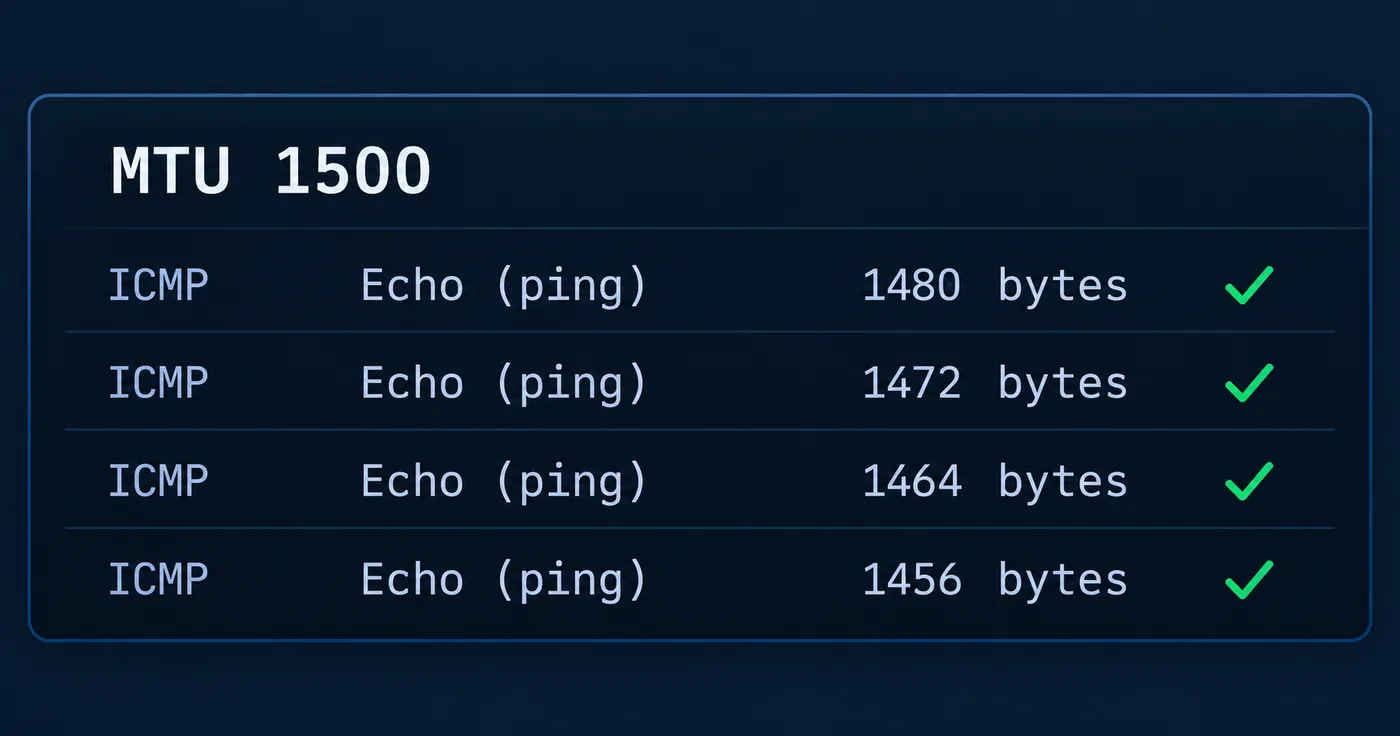
If 1448 passes but 1449 does not, your tunnel MTU is 1476. Step the size down (1472, 1464, 1456) to find the first value that passes.
ip link set gre1 mtu 1476.ip tcp adjust-mss 1436 on the interface; on Linux use iptables -t mangle -A FORWARD -p tcp --tcp-flags SYN,RST SYN -j TCPMSS --clamp-mss-to-pmtu.Tip: MSS clamping solves the problem for TCP at the root without relying on PMTUD. For UDP and other protocols, setting the tunnel MTU correctly is still required.
With remote DDoS protection, clean traffic can be delivered to you over a GRE tunnel. Tunnels on the WireShield side use MSS clamping and automatic MTU; we still recommend verifying the same values on the tunnel interface and MSS setting of your own router. For the other tunnel setup steps see the BGP and GRE guide in the documentation. Before taking the BGP side live, work through the BGP go-live checklist.
1476 on a 1500-byte IPv4 link, 1472 with a GRE key, and 1456 over IPv6. Verify the exact value with a ping test.
Usually not. BGP keepalive and update messages are small, so the session stays up; large updates or user traffic can be affected.
Both. MTU defines the tunnel's limit and MSS clamping fits TCP to that limit.
If you are stuck on a tunnel or BGP setup, share your configuration and we will look together. Talk to the technical team or review the connection options for remote protection.
Network Operations
WireShield Team · 6 min read
Read post
Contact our team to talk through your technical needs.