Network Operations
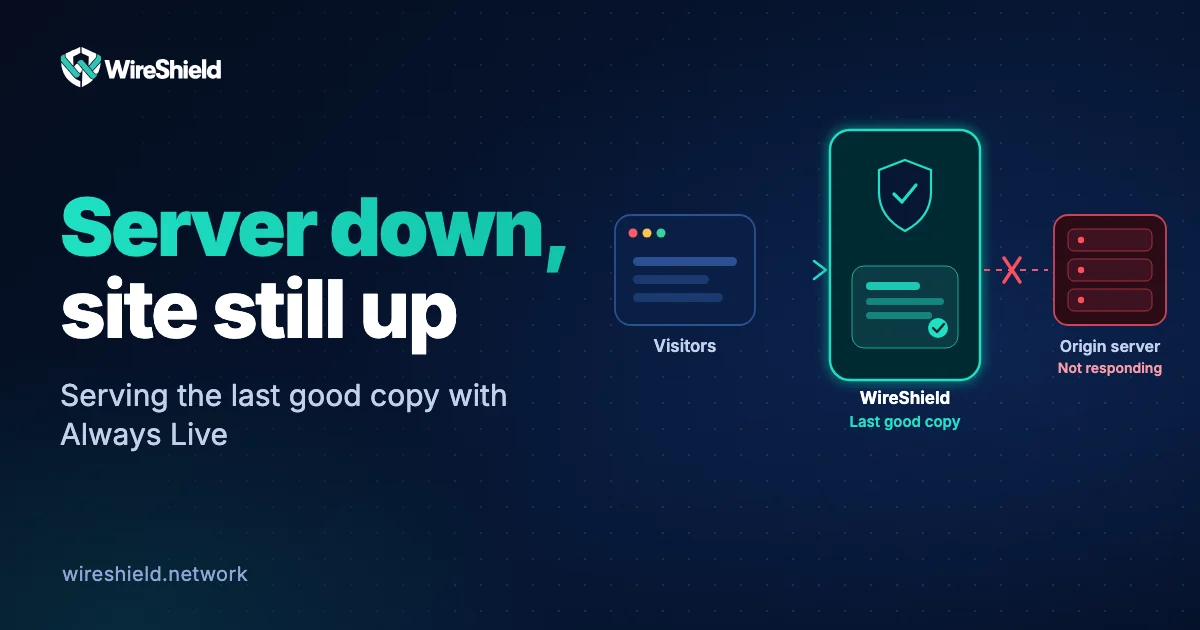
How to keep your site up when your server is down: serving stale content and Always Live
 WireShield Team · 6 min read
Read post


Network Operations
A step-by-step checklist before taking a BGP session live: ASN and prefix authorization, RPKI and IRR records, session parameters and filters. Prevent mistakes up front.
WireShield Team
5 min read
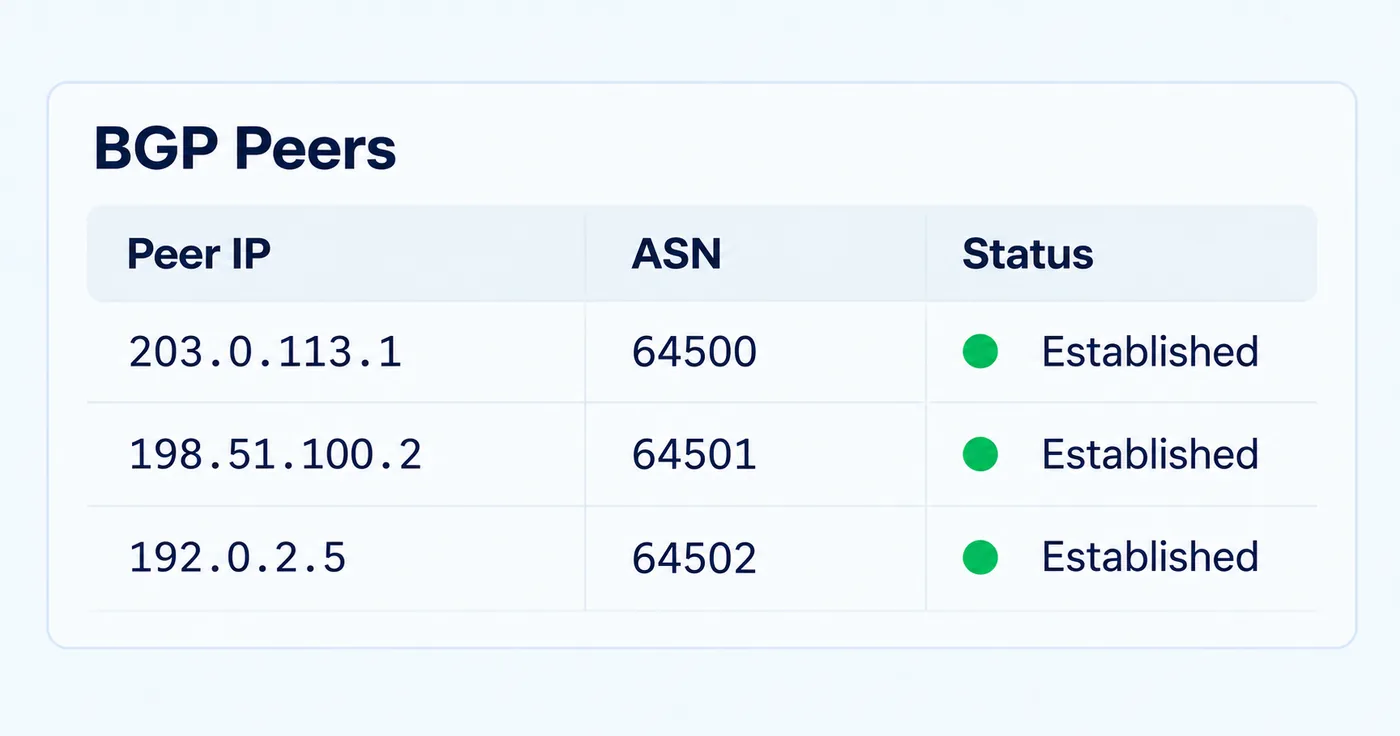
Taking a BGP session live changes how your network appears to the Internet. A wrong announcement can send your traffic the wrong way or nowhere at all. This checklist collects the steps to complete before going live, whether you are setting up BGP with WireShield for DDoS protection or doing any other network cutover.
BGP is the protocol networks use to tell each other which IP blocks can be reached where. Every prefix you announce changes the direction of traffic. The cost of a mistake is high: announcing from the wrong origin, announcing a prefix that is too small, or opening a session without filters affects you and the other side. That is why preparation comes first, followed by a gradual cutover.
route / route6 objects must be current and show the correct origin ASN.| Parameter | Check |
|---|---|
| Neighbor address and ASN | Identical on both sides |
| Hold / keepalive timers | Compatible and sensible (for example 90 / 30 s) |
| Authentication | If TCP-MD5 is used, the password matches on both sides |
| TTL security (GTSM) | If enabled on a directly connected neighbor, consistent on both sides |
| Multihop | Explicitly configured if the neighbor is not directly connected |
| IPv4 / IPv6 | A separate session per address family, or the right address family enabled |
Tip: Attach the checklist to your change record. Do not go live if the rollback steps are not written down.
Watch session state, the number of received and announced prefixes, and session flaps. On the WireShield side you see BGP sessions, announced and received prefixes with their status and rejection reasons in the portal. The announcement AS path and communities can also be managed; for details see the BGP and GRE guide in the documentation.
With remote DDoS protection, a BGP session is built between your own ASN and prefixes and WireShield; traffic arrives at the filtering network and the clean part returns to you. We complete the letter of authorization (LOA) and RPKI details together during setup. If you have no router, we can discuss a Router VM. For the process and the preparation list read the pre-installation checklist, and for the whole flow see how remote DDoS protection works. We summarized the routing options on the Technology page.
No. An established session only shows the neighborship works; you must separately verify that announcements are received, traffic takes the right path and the return path works.
If something goes wrong, the blast radius stays small. If it is fine, the remaining prefixes are added gradually.
Many networks reject RPKI "invalid" announcements, so without a correct ROA your announcement may not be accepted. Create the ROA before going live.
If you want to plan your BGP cutover together, share your ASN and prefix details. Talk to the technical team or start with the 7-day free trial.
Network Operations
WireShield Team · 6 min read
Read post
Network Operations
WireShield Team · 4 min read
Read post
Network Operations
WireShield Team · 6 min read
Read post
Contact our team to talk through your technical needs.