Network Operations
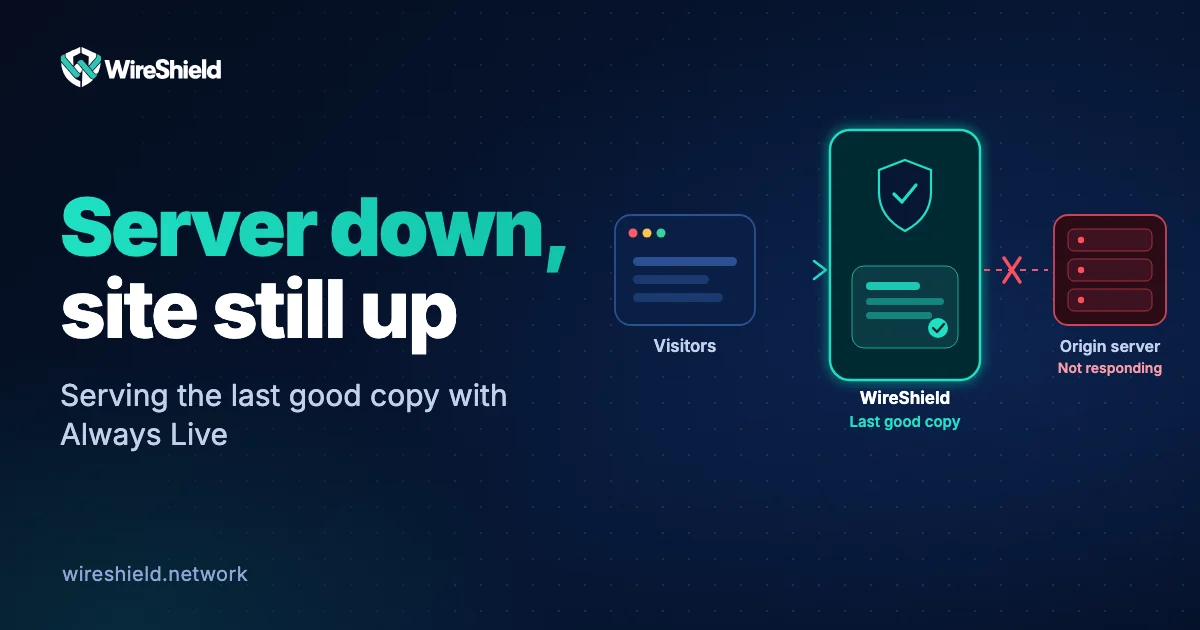
How to keep your site up when your server is down: serving stale content and Always Live
 WireShield Team · 6 min read
Read post


Network Operations
If you think you are under a DDoS attack, confirm it, tell your provider and move filtering in front of your link. A step-by-step action plan and a preparation checklist.
WireShield Team
6 min read
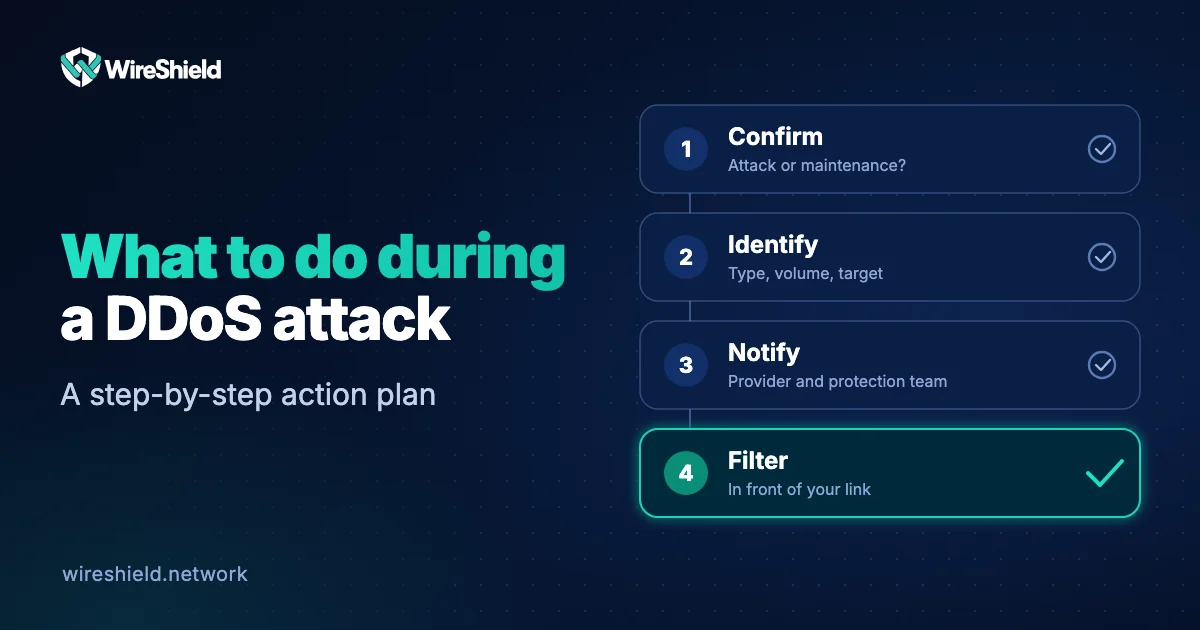
If you are under a DDoS attack, do these in order: confirm the attack, identify its scope and type, inform your provider and your protection service, move filtering in front of your link, watch your other systems for secondary attacks and review the incident afterwards. The most important point is to be prepared in advance instead of looking for a solution after the attack has started. This guide summarises the steps to follow during an attack and the preparation to do beforehand.
Slowness does not always mean DDoS. The US cybersecurity agency CISA notes that symptoms such as slow network performance and unreachable sites can also come from maintenance or technical problems, so they should be confirmed before assuming an attack. Check:
We explained which data matters in the UDP flood monitoring guide.
Collect this information to decide:
See types of DDoS attacks to tell them apart.
If the link is full, nothing on the server helps. The only way to stop the attack is to filter traffic before it reaches your link:
Give customers and your team a short, honest status message: what happened, which services are affected and when the next update will be. Do not speculate about who is behind it.
A record of the attack is valuable for later improvement and for any legal process:
In the WireShield Customer Portal, each attack shows live traffic, vectors, sources, targets and applied mitigations on one screen, and a PDF report can be downloaded.
From a few minutes to days. The exact duration depends on the attacker's goal and how effective the defence is; some attacks return in waves.
It is possible, but the service may remain affected during setup and routing. That is why preparation and testing in advance are so important.
You can see the source distribution, but finding the real attacker is very hard with spoofed and botnet-driven attacks. A narrow ASN pool can be useful for a complaint.
Do not pay. Save the e-mail and forward it to your protection provider, and assess together whether the threat is backed by a real attack.
Usually not. The service is already unreachable, and shutting down makes collecting data harder. First focus on filtering traffic in front of your link.
If you are under attack, or want to prepare in advance, describe your situation: write to us about an attack or plan with the technical team.
Network Operations
WireShield Team · 6 min read
Read post
Network Operations
WireShield Team · 4 min read
Read post
Contact our team to talk through your technical needs.