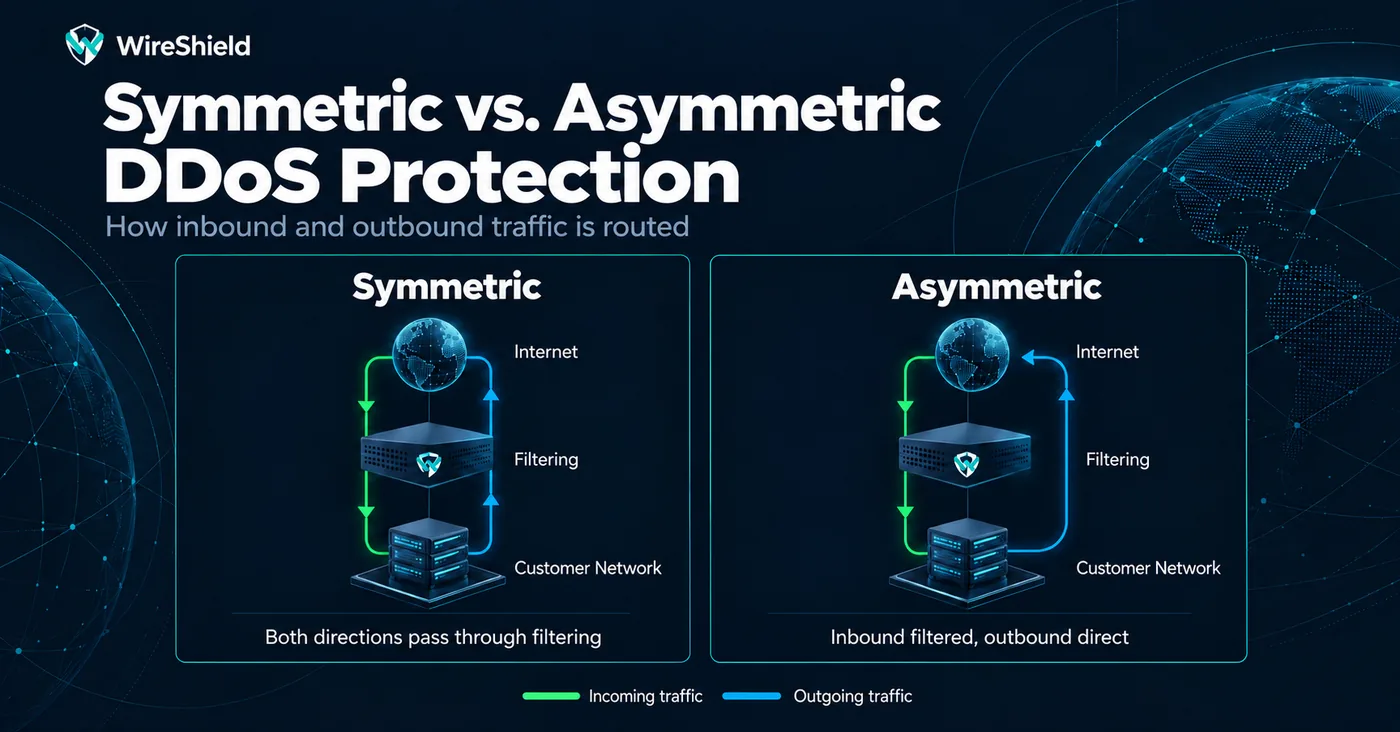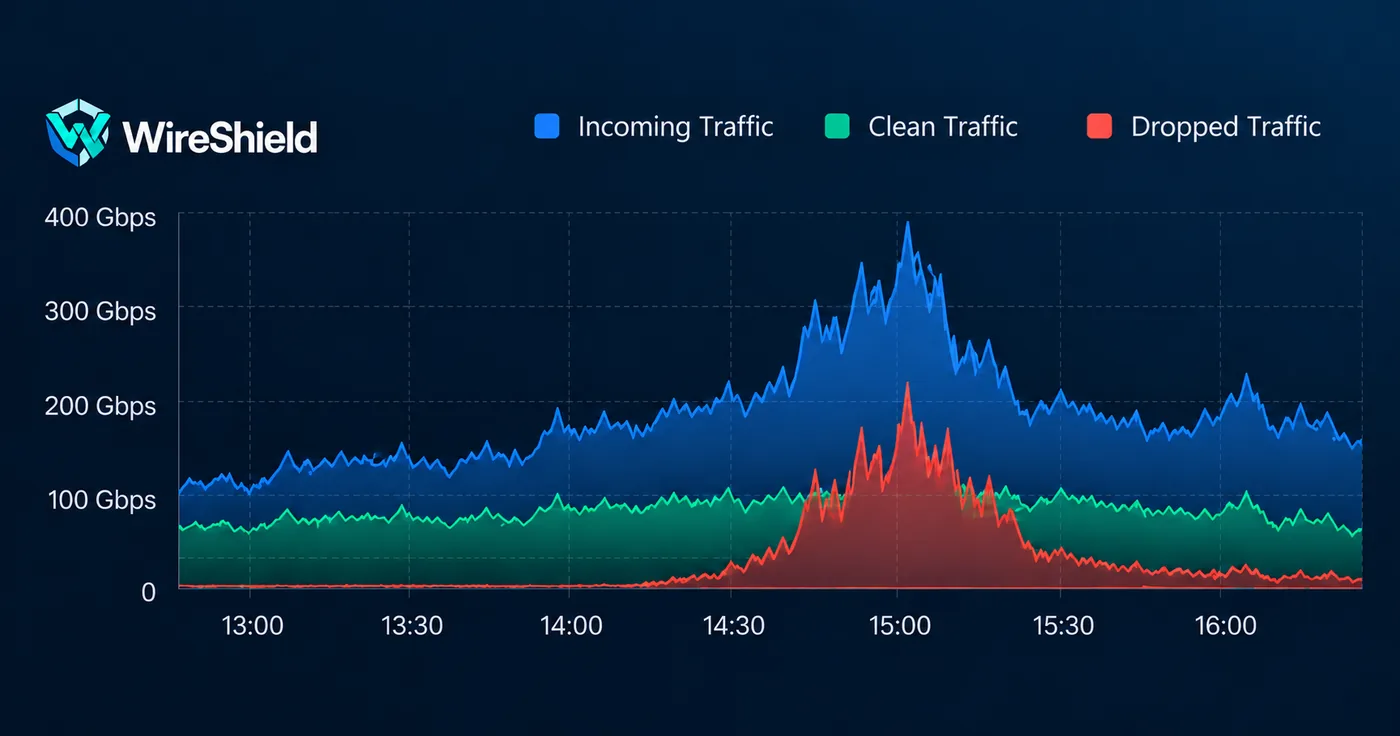
Technical Guide
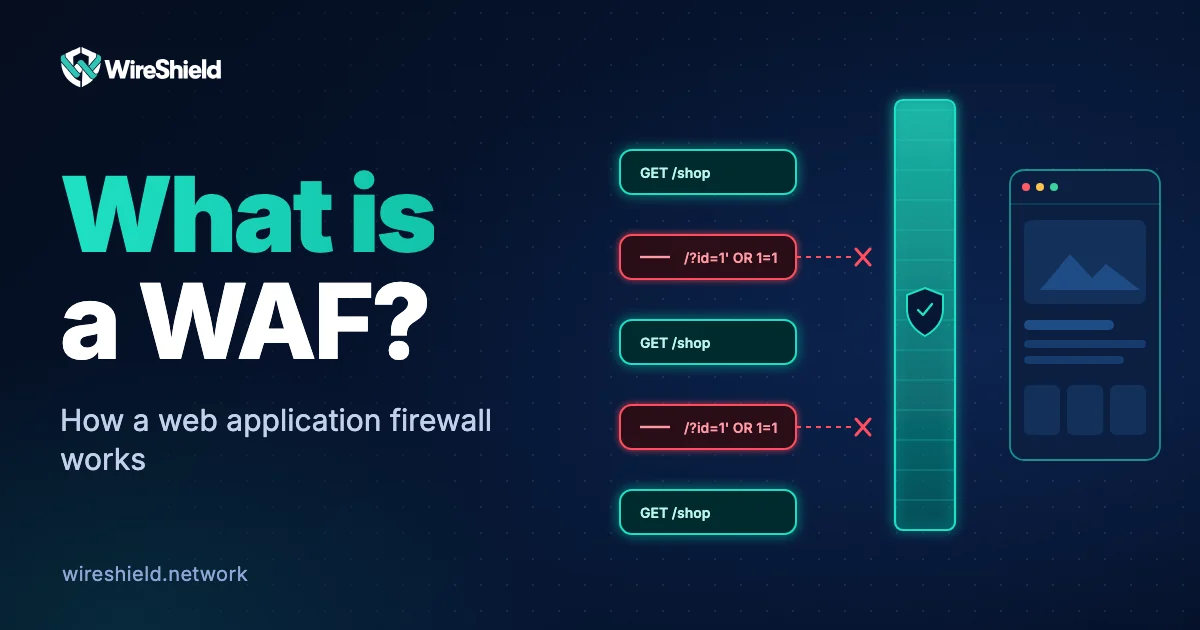
What is a WAF? How a web application firewall works
 WireShield Team · 7 min read
Read post


Technical Guide
A firewall passes or blocks traffic between networks according to rules. Learn the main firewall types, how a firewall differs from a WAF and where it falls short against DDoS attacks.
WireShield Team
5 min read
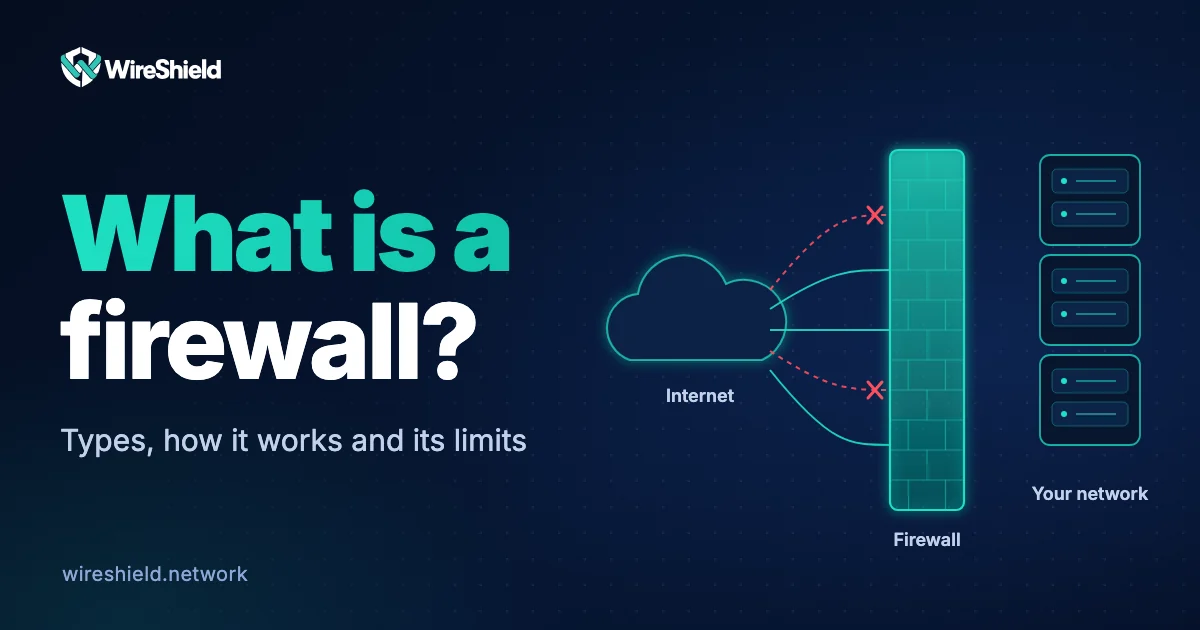
A firewall is a security layer that passes or blocks traffic between networks or hosts with different security levels according to predefined rules. The US standards body NIST describes firewalls as devices or programs that control the flow of network traffic between networks or hosts with differing security postures. This guide explains what a firewall is, how it works, which types exist and why it cannot stop DDoS attacks on its own.
A firewall applies the answer to "who may come in and who may go out" as rules. Each rule has a condition (source and destination IP, port, protocol) and an action (allow, block). In a secure configuration the default behaviour is "block"; only required traffic is explicitly allowed.
Firewalls come in two forms: network firewalls (hardware or virtual appliances) that sit at the edge of a network, and host firewalls that run on a single server.
Each incoming and outgoing packet is checked against the rule list from top to bottom; the first matching rule is applied. If no rule matches, the default action is applied. How deeply a firewall inspects traffic determines its type.
| Type | What it looks at | Strength | Limit |
|---|---|---|---|
| Packet filtering | IP, port and protocol of each packet | Fast, simple | Does not know the connection context |
| Stateful inspection | Whether a packet belongs to an existing connection | Keeps a connection table, drops forged replies | Table capacity is limited |
| Proxy / application gateway | Content of the application protocol | Deep inspection | Slower, protocol-specific |
| Next-generation (NGFW) | Application, user, intrusion signatures | Rich visibility | More expensive, complex to manage |
| Web application firewall (WAF) | HTTP requests: URL, headers, cookies, body | Stops web attacks such as SQL injection and XSS | Web traffic only |
We explained how a WAF works in what is a WAF.
A firewall sits behind your link. If attack traffic has filled the link, the packets are lost before they reach the firewall. Even in smaller attacks the problem is this:
That is why a firewall is used together with DDoS protection, not instead of it. To stop volumetric and protocol attacks in front of your link, remote DDoS protection first routes traffic to a filtering network; for attacks that do not fill the link, WireShield Edge filters at your network edge. We compare the attack types in types of DDoS attacks.
| Firewall | WAF | DDoS protection | |
|---|---|---|---|
| Layer | L3/L4 (up to L7 in an NGFW) | L7 (HTTP) | L3/L4 and L7 |
| Position | Network edge or server | In front of the web application | In front of the link or at the network edge |
| Typical target | Access control | Web application attacks | Attacks that make a service unreachable |
| Against a volumetric attack | Insufficient | Insufficient | Its main job |
NIST SP 800-41 is a reference that compares firewall types and offers guidance on writing and operating firewall policy.
No. A firewall filters network traffic with rules; antivirus finds malware on a device. They work at different layers and complement each other.
No. On its own it is not enough: it should be used with layers such as software updates, strong authentication, a WAF and DDoS protection.
It can stop small and simple attacks. It falls short when the attack fills the link or exhausts the state table; for that, filtering has to happen in front of the link.
A firewall looks at IP, port and protocol; a WAF looks at the content of the HTTP request. The first deals with access, the second with attacks on the web application.
Yes. Cloud providers offer their own security groups, but these are access rules as well; web attacks and DDoS need separate protection.
Let us assess together where your firewall falls short against DDoS. Describe your network and traffic and we will suggest layered protection that fits. You can talk to the technical team.
Technical Guide
WireShield Team · 7 min read
Read post
Contact our team to talk through your technical needs.