Technical Guide
Inline or Remote: which protection model fits your network?
 WireShield Team · 5 min read
Read post


Product Update
WireShield Edge filters traffic inside your own network. Learn the differences between a ready WS-X appliance and your own compatible server, plus the requirements and the setup process.
WireShield Team
5 min read
For some networks, sending traffic out to be filtered is unacceptable or unnecessary. Your link capacity is fine, but you want a layer at the edge of your network that stops the attack. WireShield Edge is an inline DDoS protection solution that runs inside your network for exactly this need. The real question is usually: should you buy a ready appliance, or install on a server you already own?
WireShield Edge is a DDoS protection solution that filters traffic on site, inside your own network. Incoming traffic is analyzed on Edge, attack traffic is blocked and clean traffic continues into your network. You manage protection policies from one interface. Traffic never leaves your network.
This approach fits enterprise networks, hosting and service providers, especially those that want to keep all traffic inside their own network. For the overall picture see the WireShield Edge page.
There are two installation options:
| Ready WireShield appliance | Your own hardware | |
|---|---|---|
| What you get | Hardware and software together, pre-configured (WS-X series) | WireShield software installed on your compatible server |
| Advantage | A fast, pre-verified system | You use your existing hardware investment |
| Preparation | Model selection and installation plan for your need | CPU, memory and network card compatibility analysis |
| Fits when | You want a quick, smooth go-live | You already own suitable servers |
Installation and capacity are assessed according to hardware specifications and traffic profile. Stating your line speed and port needs up front (for example 10G, 40G, 100G or 400G) makes the choice easier.
If you use your own hardware, the technical assessment looks at:
For the full list, see the Appliance installation guide in the documentation.
The most common setup is routed (L3) inline mode: the device works as a router hop between the upstream router and the downstream switch. Clean traffic is forwarded to the switch and attack traffic is dropped on the upstream port. Keeping a backup route on the router that bypasses the device and using BFD brings failover down to under a second when the device fails. A maintenance mode also lets you take the device out of the traffic path without touching your routers.
For the detailed topology see the network settings and traffic path guide. How protection is set up depends on it too: if your reply traffic passes through the device, symmetric protection can be enabled.
Usually not. Every protected prefix has its own mode and the recommended approach is to observe first: in Learning or Monitor mode the device watches your real traffic and counts what it would drop, but drops nothing. After reviewing the counters you move to Automatic, where filters switch on only when an attack is detected. We describe this approach on the Technology page.
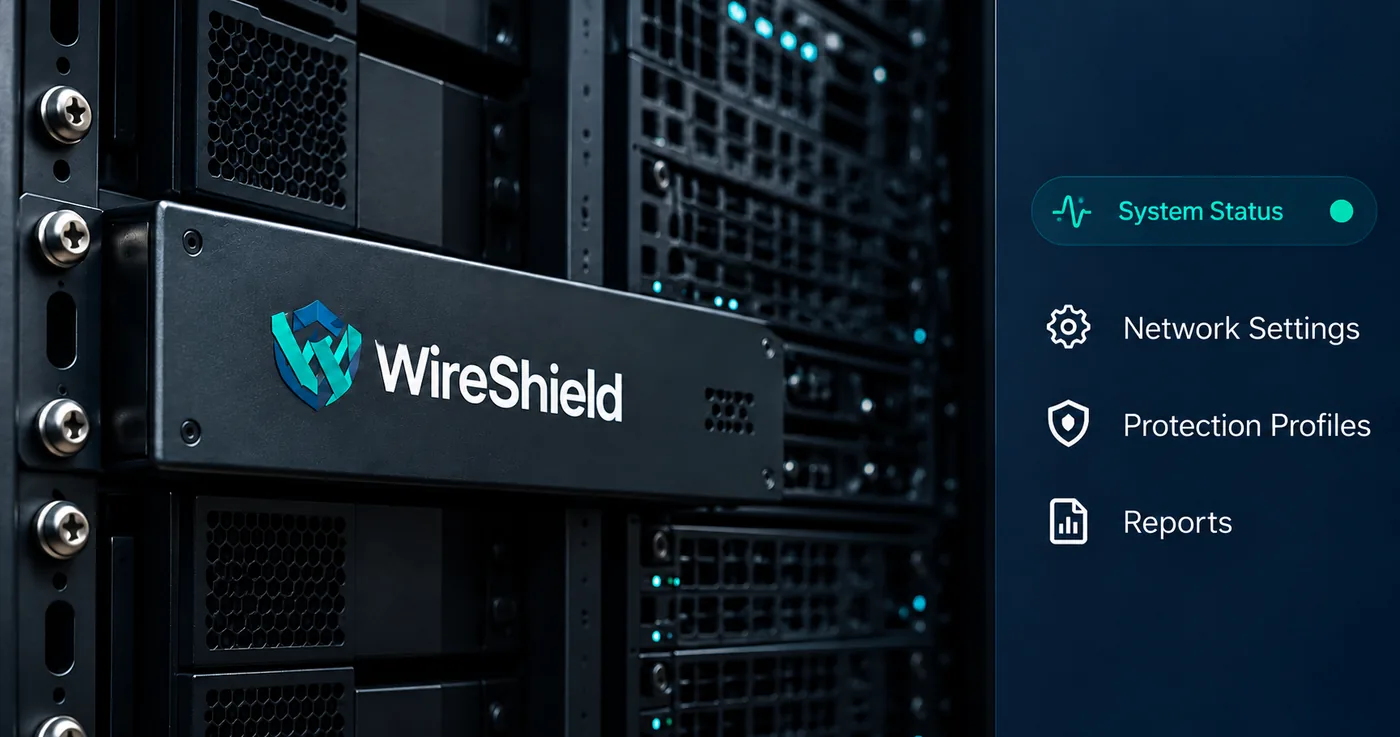
In Appliance Admin, device health, ports and system settings are in one place: CPU, memory, temperature and fan monitoring; port and wire pair management; license and update tracking; network settings and backup; users, roles and audit log; diagnostic tools. On the protection side you manage rules, rate limits and reports. The whole platform is summarized on the Platform page.
You can start with the evaluation form.
No. We can also install the software on your own compatible server; compatibility is determined by CPU, memory and network card analysis.
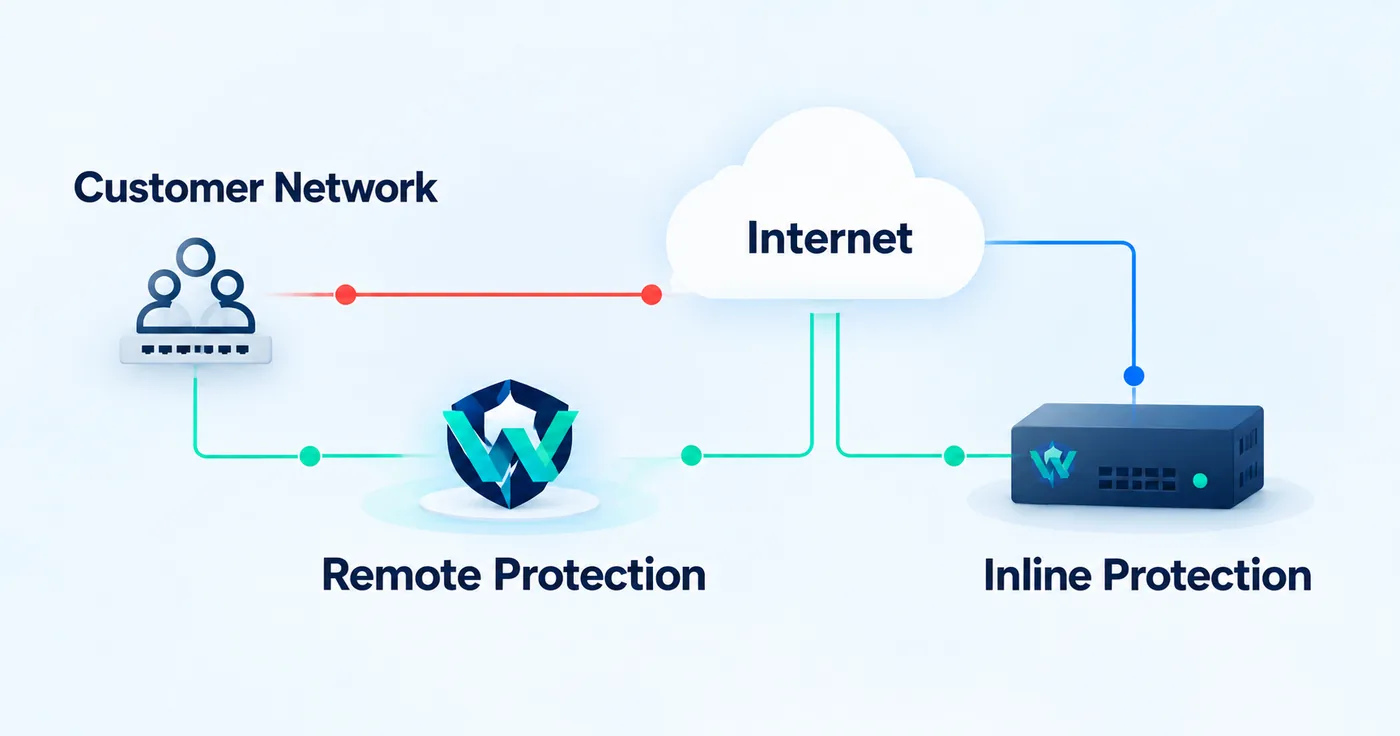
On-site and remote protection can be planned together; we decide in the technical discussion which traffic is filtered where. For a comparison see our inline vs. remote post.
It depends on hardware specifications, your network topology and traffic profile. We share a clear plan at the end of the assessment.
Share your topology and line speed and we will decide together whether a ready appliance or your own server fits better. Request an Edge assessment or talk to the technical team.
Technical Guide
WireShield Team · 5 min read
Read post
Product Update
WireShield Team · 5 min read
Read post
Contact our team to talk through your technical needs.