Attack Analysis
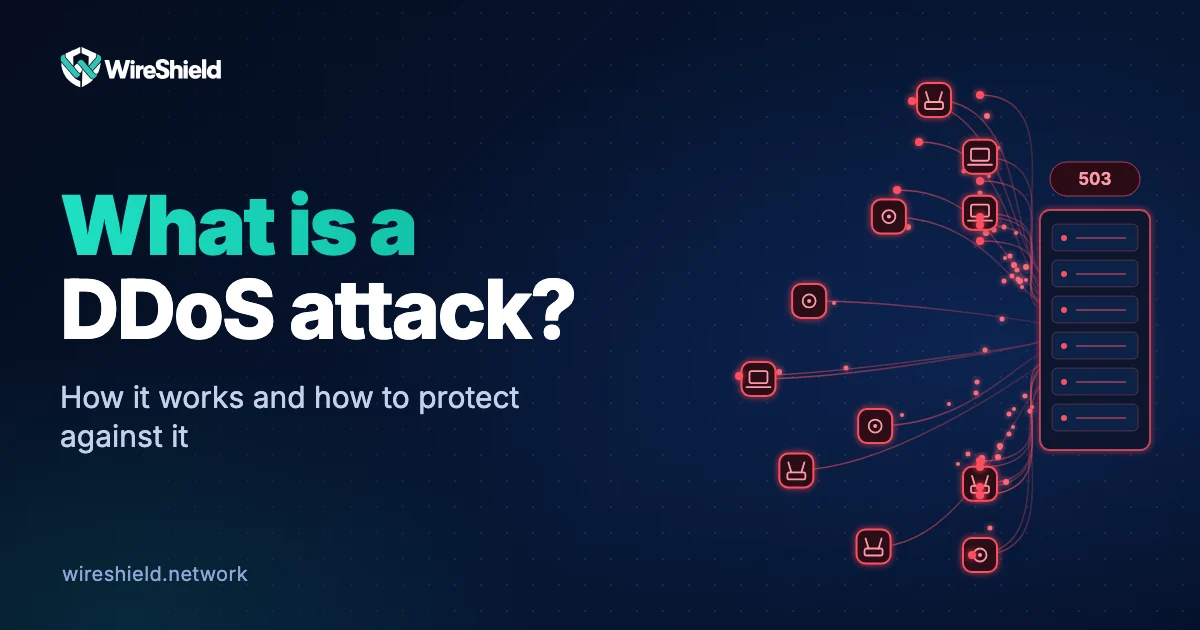
What is a DDoS attack? How it works and how to protect against it
 WireShield Team · 6 min read
Read post


Attack Analysis
A botnet is a network of compromised devices controlled remotely by an attacker. Learn how botnets form, the Mirai case, their role in DDoS attacks and how to protect against them.
WireShield Team
6 min read
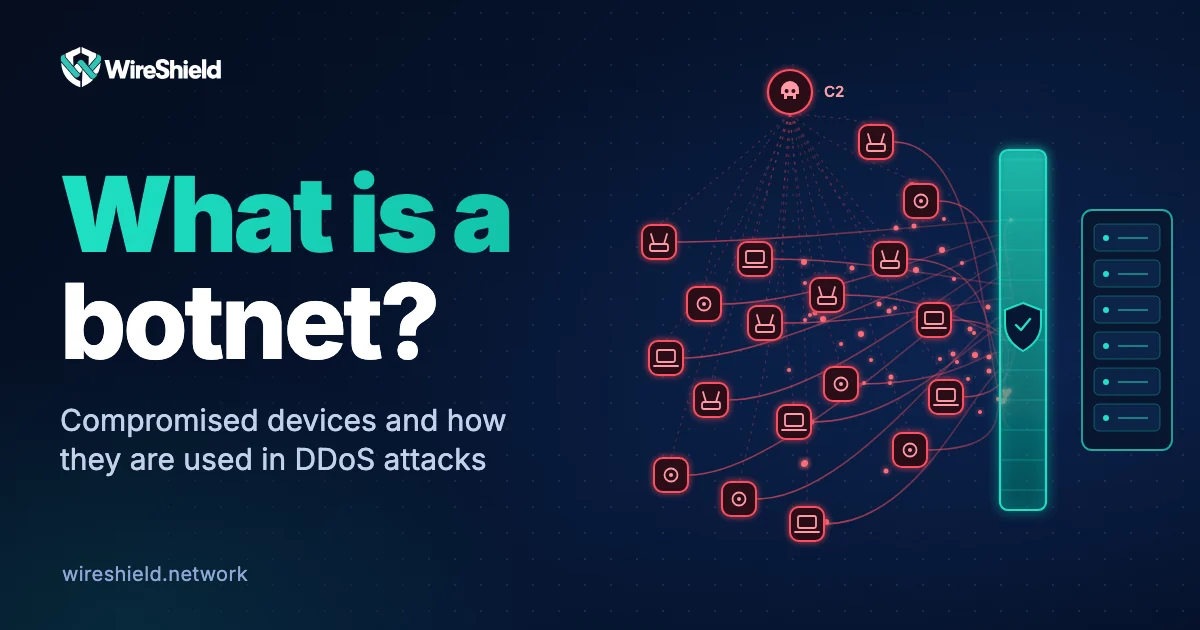
A botnet is a network of internet-connected devices such as computers, cameras and routers that have been infected with malware and are controlled remotely by an attacker. The word combines "robot" and "network". Device owners often never notice that their device has been taken over. Botnets are used to send spam, test stolen credentials and, most of all, to launch DDoS attacks. This guide explains what a botnet is, how one is built, how it works and how to protect against it.
Building a botnet usually goes through these steps:
Mirai showed how simple methods can grow a botnet. According to CISA's 2016 alert, Mirai continuously scans the internet for vulnerable IoT devices and takes them over by trying a list of 62 common default username and password pairs. The same alert ties the attack of more than 620 Gbps on Brian Krebs' blog in September 2016 and an attack of at least 1.1 Tbps on the French hosting provider OVH to Mirai. The release of Mirai's source code also raised the risk of similar botnets appearing. The October 2016 attack on the DNS provider Dyn, which affected many well-known services, also involved a Mirai botnet.
A botnet's strength is its size. When thousands of devices send packets or requests at the same moment, the capacity of the link and the server is exceeded. Characteristics of botnet attacks:
We explained the difference between a botnet-driven attack and a single-source attack in DDoS vs DoS.
For network administrators the most reliable approach is to watch outbound traffic: devices that keep opening connections to the same external addresses are suspect.
Keep your devices out of a botnet:
Protect yourself against botnet attacks:
Threat lists alone are not enough: devices in a botnet change constantly and are often clean-looking addresses that are not on any list. They should be combined with filters based on behaviour and traffic analysis.
No. A virus or malware is the program that infects a device; a botnet is the remotely controlled network of devices infected with it. Infection happens through software, while the network is a separate concept.
If your device joins a botnet without your knowledge, that does not make you a criminal. Building, running or renting out a botnet to launch attacks is a crime in most countries.
The attacker, called a "botmaster" or "bot herder", controls it through a command-and-control server. Botnets are often rented out.
Yes. Mobile devices can join a botnet through malicious apps. However, the largest botnets are made of IoT devices and unpatched routers.
No. With so many sources and addresses that keep changing, blocking one by one is not practical. You need filtering in front of the link and behaviour-based rules.
Let us look at the source distribution of the traffic reaching your network together. Share the data you have and we will work out what protection a botnet-driven attack requires. You can talk to the technical team.
Attack Analysis
WireShield Team · 6 min read
Read post
Attack Analysis
WireShield Team · 6 min read
Read post
Attack Analysis
WireShield Team · 6 min read
Read post
Contact our team to talk through your technical needs.